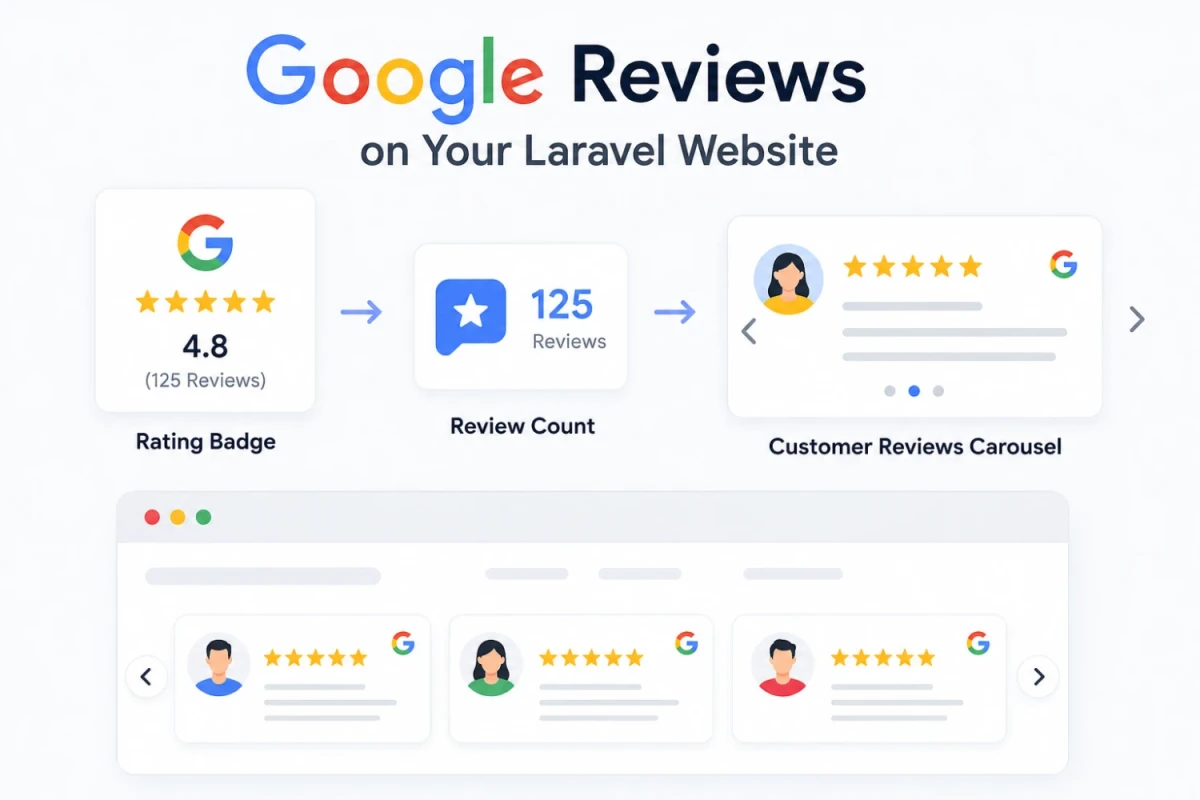
Google Reviews on Your Laravel Website Rating Badge, Review Count & Customer Reviews Carousel
This tutorial shows how to pull real Google reviews into a Laravel website for free, using the Google Places API. You'll add a rating badge, a review count, and a customer reviews carousel — all without any paid plugin.
What You Will Build
By the end of this tutorial your Laravel app will show:
1. A star rating badge with your business average rating.
2. A total review count next to the badge.
3. A carousel that cycles through real customer reviews.
Step 1: Get Your Google Place ID
Go to the Google Place ID Finder tool, search your business name, and copy the Place ID shown. Save it somewhere safe — you will use it in your API request.
Step 2: Get a Free Google API Key
Open Google Cloud Console, create a new project, and enable the "Places API". Then go to Credentials, create an API Key, and restrict it to the Places API for security. Google gives a free monthly usage quota, which is enough for most small business websites.
Step 3: Add API Credentials to Laravel
Open your .env file and add the following lines:
GOOGLE_PLACES_API_KEY=your_api_key_here
GOOGLE_PLACE_ID=your_place_id_here
Then register them in config/services.php:
'google_places' => [
    'key' => env('GOOGLE_PLACES_API_KEY'),
    'place_id' => env('GOOGLE_PLACE_ID'),
],
Step 4: Create a Service Class
Create app/Services/GoogleReviewService.php to fetch and cache data, since the API is free only up to a limited number of calls.
namespace App\Services;

use Illuminate\Support\Facades\Http;
use Illuminate\Support\Facades\Cache;

class GoogleReviewService
{
    public function getReviews()
    {
        return Cache::remember('google_reviews', 3600, function () {
            $response = Http::get('https://maps.googleapis.com/maps/api/place/details/json', [
                'place_id' => config('services.google_places.place_id'),
                'fields'   => 'rating,user_ratings_total,reviews',
                'key'      => config('services.google_places.key'),
            ]);

            return $response->json('result');
        });
    }
}
Step 5: Create a Controller
namespace App\Http\Controllers;

use App\Services\GoogleReviewService;

class ReviewController extends Controller
{
    public function index(GoogleReviewService $service)
    {
        $data = $service->getReviews();
        return view('reviews.index', compact('data'));
    }
}
Register the route in routes/web.php:
Route::get('/reviews', [App\Http\Controllers\ReviewController::class, 'index']);
Step 6: Display the Rating Badge and Review Count
In resources/views/reviews/index.blade.php, add:
<div class="google-badge">
    <span class="stars">{{ str_repeat('★', round($data['rating'])) }}</span>
    <span class="rating-number">{{ $data['rating'] }}</span>
    <span class="review-count">({{ $data['user_ratings_total'] }} reviews)</span>
</div>
Step 7: Build the Reviews Carousel
Loop through the reviews array and output each as a slide:
<div class="reviews-carousel">
    @foreach ($data['reviews'] as $review)
        <div class="review-slide">
            <p class="review-author">{{ $review['author_name'] }}</p>
            <p class="review-stars">{{ str_repeat('★', $review['rating']) }}</p>
            <p class="review-text">{{ $review['text'] }}</p>
        </div>
    @endforeach
</div>
To make it slide automatically, include a lightweight free JS library such as Swiper.js via CDN, then initialize it:
<script src="https://cdn.jsdelivr.net/npm/swiper/swiper-bundle.min.js"></script>
<script>
new Swiper('.reviews-carousel', {
    slidesPerView: 1,
    loop: true,
    autoplay: { delay: 4000 },
});
</script>
Step 8: Keep API Usage Free
Caching the response for one hour, as shown in the service class, keeps your site well within Google's free monthly quota even on high-traffic pages.
Conclusion
You now have a fully working Google Reviews integration in Laravel: a rating badge, a live review count, and a customer reviews carousel — all powered by the free Google Places API.