
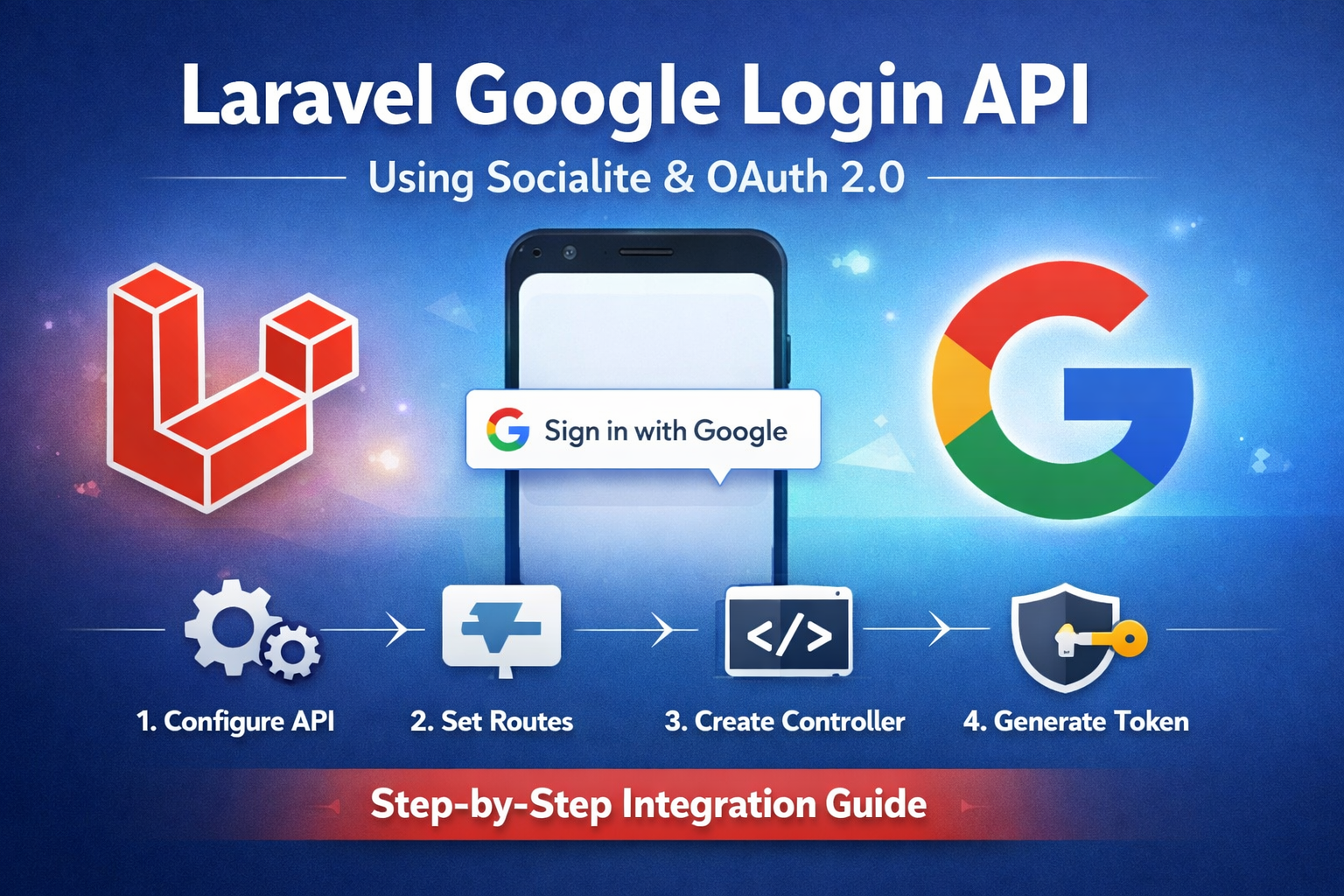
Step 1: Install Laravel Socialite
composer require laravel/socialite
Step 2: Configure Google API
- Go to Google Cloud Console.
- Create a OAuth 2.0 Client ID (choose Web application or mobile depending on your use case).
- Copy the Client ID and Client Secret.
Step 3: Set up .env
Add your Google credentials:
GOOGLE_CLIENT_ID=your-google-client-id
GOOGLE_CLIENT_SECRET=your-google-client-secret
GOOGLE_REDIRECT_URI=http://your-app.com/api/auth/google/callback
Step 4: Configure Socialite
In config/services.php:
'google' => [
    'client_id' => env('GOOGLE_CLIENT_ID'),
    'client_secret' => env('GOOGLE_CLIENT_SECRET'),
    'redirect' => env('GOOGLE_REDIRECT_URI'),
],
Step 5: Create Routes
In routes/api.php:
use App\Http\Controllers\Api\Auth\GoogleLoginController;

Route::get('/auth/google', [GoogleLoginController::class, 'redirectToGoogle']);
Route::get('/auth/google/callback', [GoogleLoginController::class, 'handleGoogleCallback']);
Step 6: Create Controller
namespace App\Http\Controllers\Api\Auth;

use App\Http\Controllers\Controller;
use App\Models\User;
use Illuminate\Http\Request;
use Laravel\Socialite\Facades\Socialite;
use Illuminate\Support\Facades\Auth;

class GoogleLoginController extends Controller
{
    // Redirect to Google
    public function redirectToGoogle()
    {
        return Socialite::driver('google')->stateless()->redirect();
    }

    // Handle callback
    public function handleGoogleCallback()
    {
        try {
            $googleUser = Socialite::driver('google')->stateless()->user();

            // Check if user already exists
            $user = User::where('email', $googleUser->getEmail())->first();

            if (!$user) {
                $user = User::create([
                    'name' => $googleUser->getName(),
                    'email' => $googleUser->getEmail(),
                    'google_id' => $googleUser->getId(),
                    'password' => bcrypt(str()->random(16)), // random password
                ]);
            }

            // Generate API token (if using Sanctum)
            $token = $user->createToken('API Token')->plainTextToken;

            return response()->json([
                'user' => $user,
                'token' => $token
            ]);

        } catch (\Exception $e) {
            return response()->json(['error' => 'Google login failed', 'message' => $e->getMessage()], 500);
        }
    }
}
Note: stateless() is important for APIs, as there’s no session in API calls.
Step 7: Update User Migration (optional)
Add google_id to users table:
$table->string('google_id')->nullable()->unique();
Run:
php artisan migrate
Step 8: Protect API Routes (Optional)
If using Sanctum, add middleware:
Route::middleware('auth:sanctum')->get('/user', function (Request $request) {
    return $request->user();
});